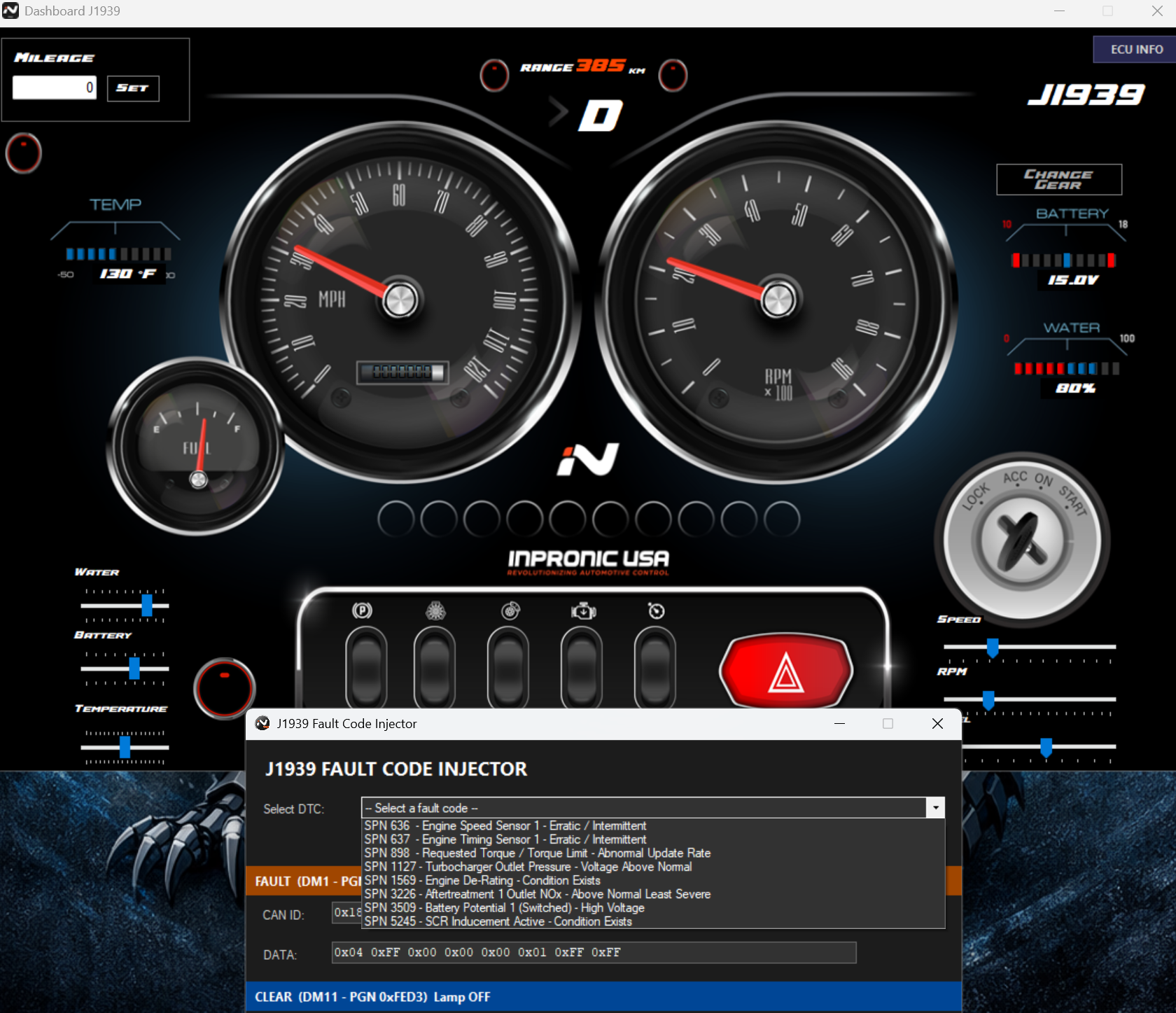
If we want to check the communication speed and the data displayed by the gauges on a real truck's instrument panel, we can easily do so using the Inpronic Dashboard in the simulation section. To do this, we need to connect the J1939 to the trainer using CAN H and CAN L. Once connected, we need to select the communication speed until we see the truck's data. For example, on a 2023 New Cascadia, the speed at which the gauges on the instrument panel rise is 666k. Once I identify the speed, I can open the Inpronic Dashboard, and immediately upon starting the simulator, I can inject real fault codes into the network, move the gauges on the real truck using the slider for each parameter, and verify that they are all working correctly to provide an accurate diagnosis.
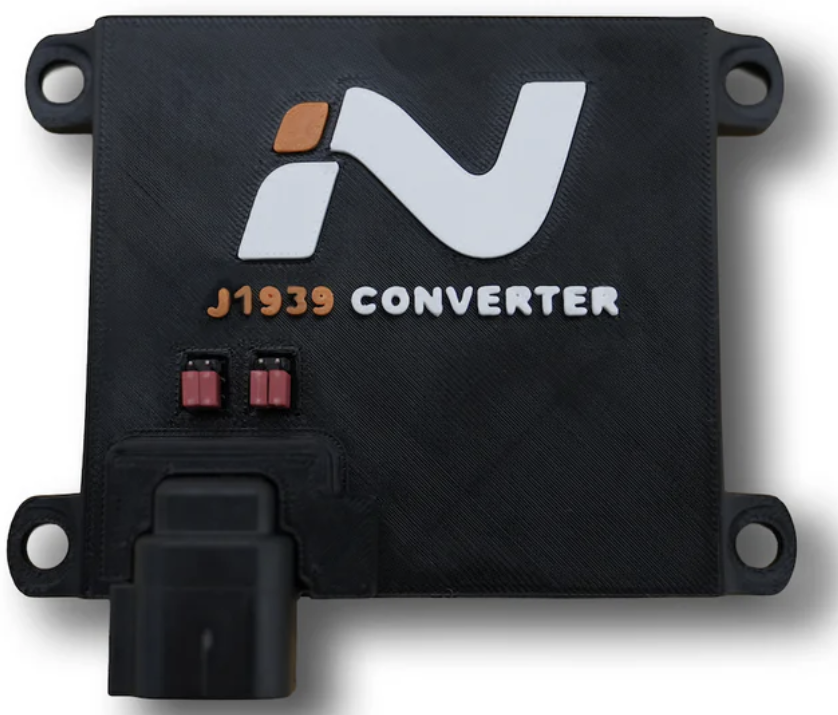
Now you might be wondering, if I have that 2023 New Cascadia cab, then if I do an engine swap with, for example, a DD5 computer that communicates via J1939 at 250kHz, do I need a 666kHz converter? Well, the answer is NO, because there are modules in the cab that act as gateways, like the CPC or others, which receive 500kHz and output 666kHz exclusively to the cab's instrument cluster so the gauges can operate at 100%. Therefore, it's recommended to use the Inpronic J1939 converter to make that adaptation, which, by the way, is only $399 and is programmable for all trucks and cabs on the market.