



Advanced CAN-BUS Diagnostic System
Hands-on trainer + PRO software, with 1 month of AI Diagnostic Suite free.
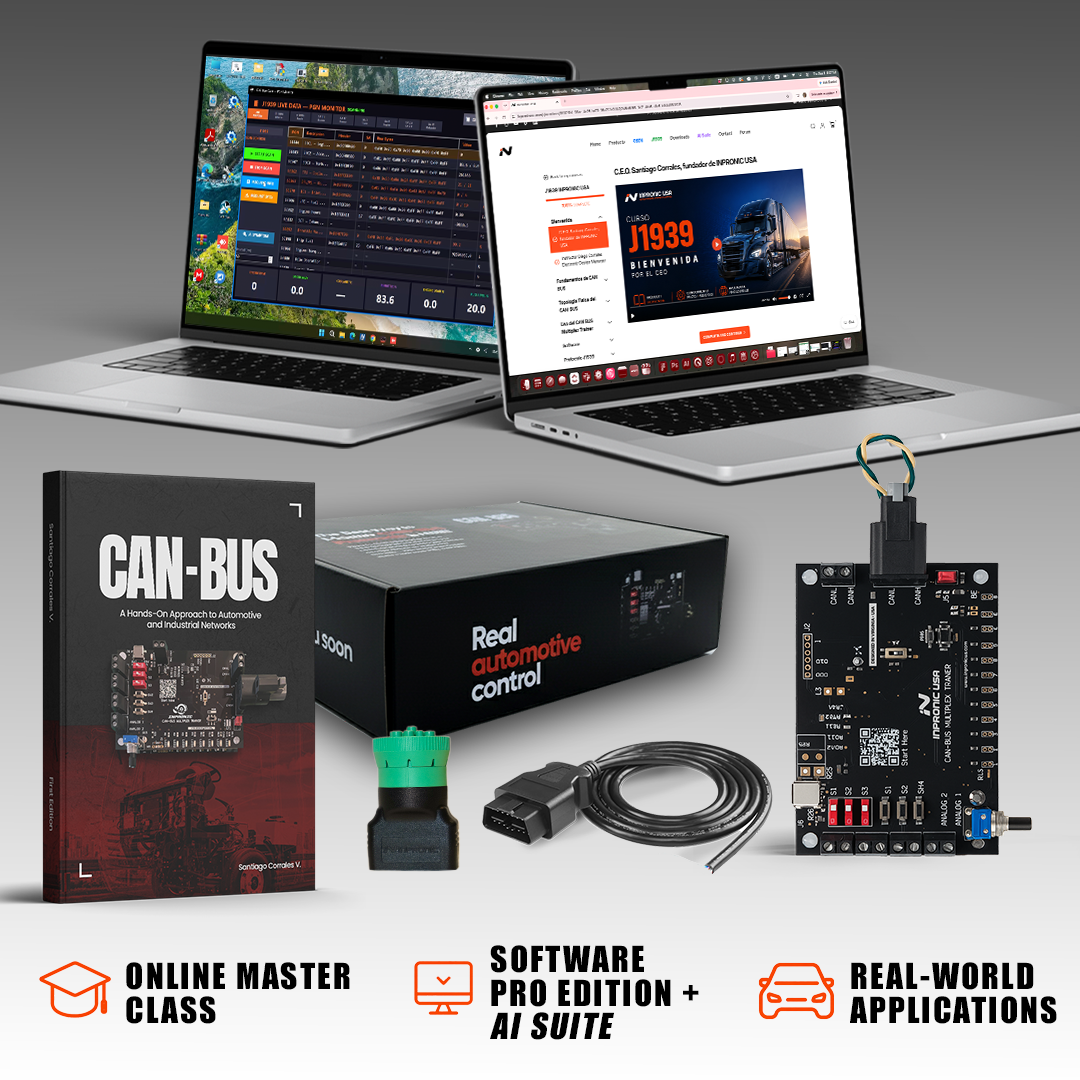
✓ Trainer PRO Edition (hardware)
✓ Software PRO Edition, no license required
✓ 1 month AI Suite
In stock! Ships within 1-2 business days.
Free Shipping in the U.S.
Advanced CAN-BUS Diagnostic System
Industry & Education Partners
Working together to support hands-on vehicle network technology in technical education

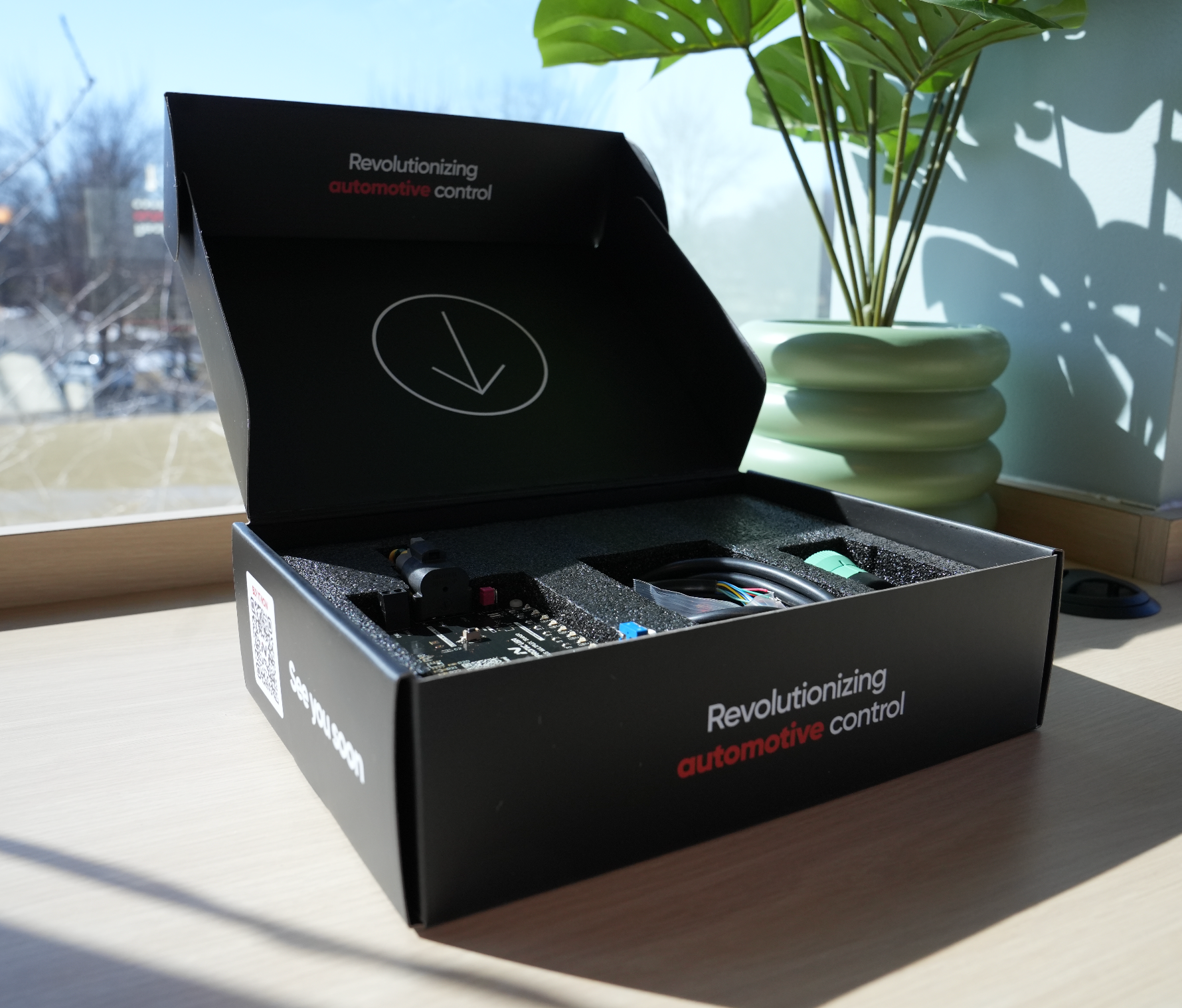
HANDS-ON FROM DAY ONE
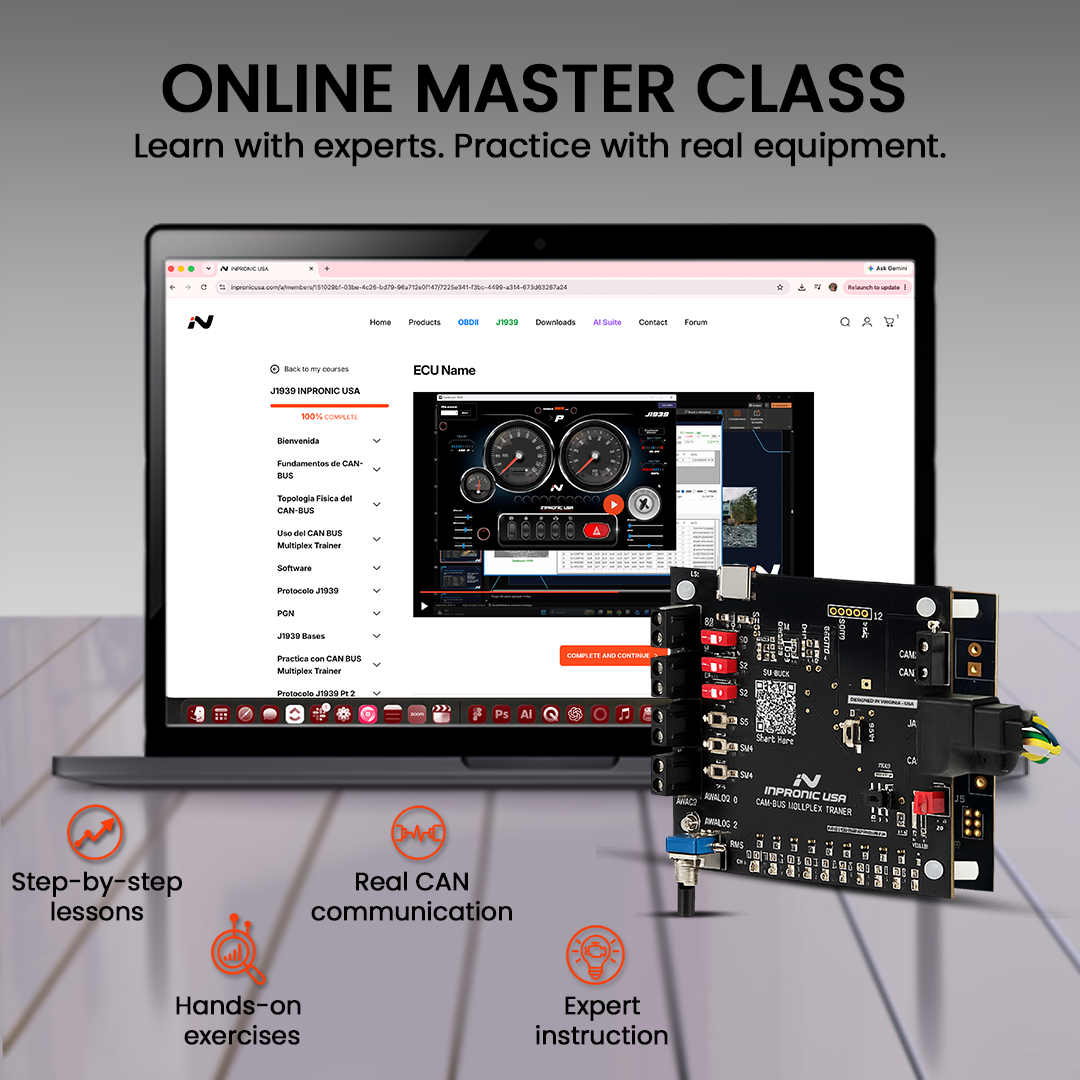
Practice on a real CAN network, then connect to a real vehicle. Open each section below to see what's included.
One purchase. Hardware + Software + AI.
Everything you get
- CAN-BUS Multiplex Trainer (Hands-on CAN network training Hardware)
- Software PRO Edition (CAN monitoring, transmission, filtering, dashboards and simulation)
- AI Diagnostic Suite (AI to unlock your vehicle data)
- CAN BUS Technical Book (Reference material for theory and practice)
- OBDII Cable (Connect compatible automotive CAN networks)
- J1939 Connector (Work with heavy-duty CAN communication)
- 2 USB Type C Cable (Power and data to connect hardware + software)
What you will practice
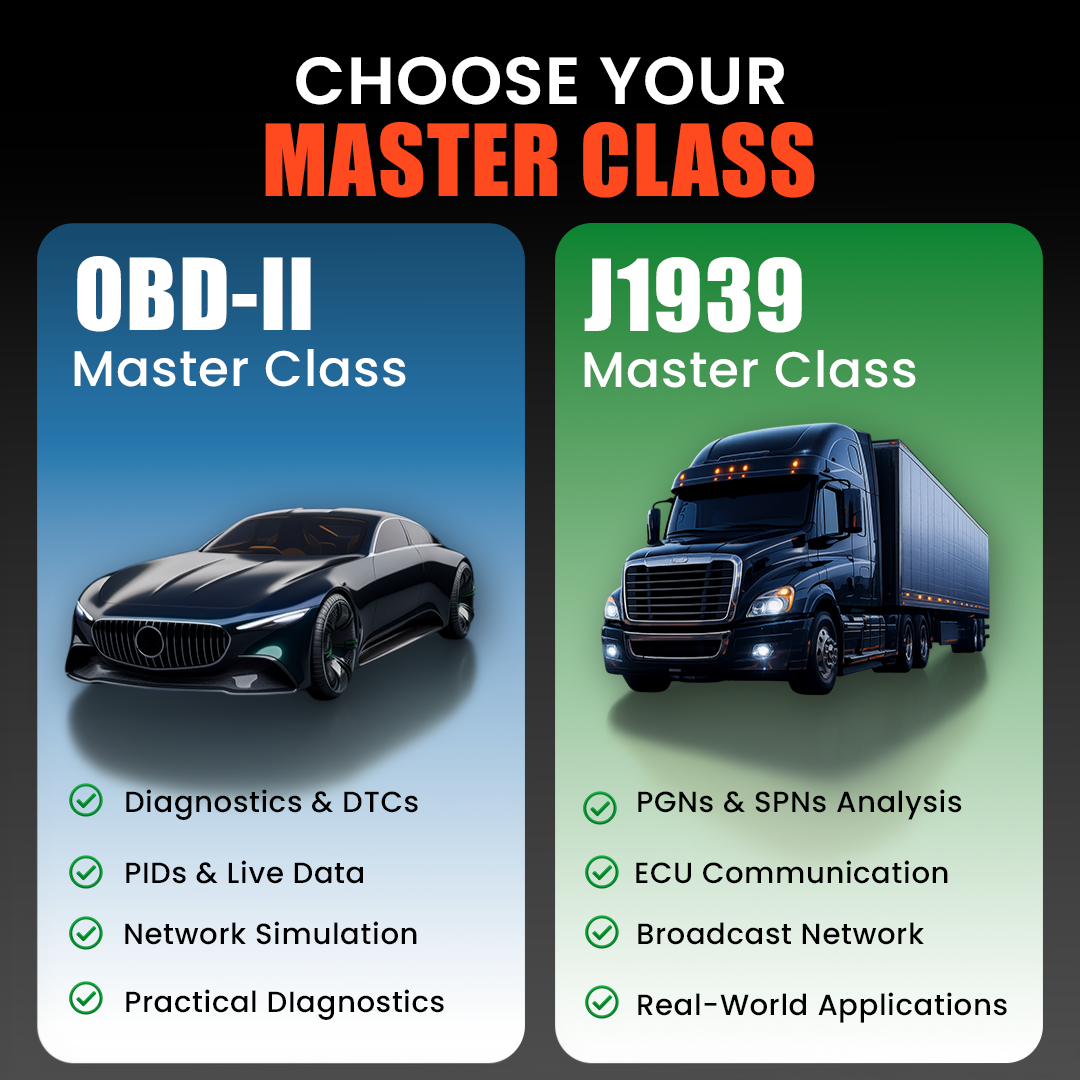
From fundamentals to real CAN-BUS communication. Start with the fundamentals, then learn how to read and make sense of the data moving across a heavy-duty vehicle network. Connect the theory with what you actually see when working with CAN-BUS communication.
- Read CAN frames
- Recognize PID and Live data
- Learn how different modules share information
- Learn how ECUs communicate through the network
Complete set: one system, two ways to learn
CAN BUS Trainer PRO KIT. Generate, transmit, receive, filter, and analyze CAN messages in a controlled training environment. Turn theory into hands-on experience.
INPRONIC AI Diagnostic Suite. Use AI-guided tools to work with OBD-II and J1939 data, explore vehicle parameters, analyze DTC information, and follow a more structured diagnostic workflow. 1 month included with your package.
If you have any questions, you are always welcome to contact us. We'll get back to you as soon as possible, within 24 hours on weekdays.
-
Shipping Information
Free Shipping in the U.S.
-
Customer Support
If you have any questions, feel free to contact us through the chat on our website.
-
Contact Us
You can contact us through the chat on our website.
Free shipping in the U.S.
FAQs
Please read our FAQs page to find out more.
How can I install the software?
You can scan the QR code that comes with your KIT and follow the steps
Is this a diagnostic scanner?
No. The PRO Edition is not a scan tool. It is a vehicle network training and simulation platform designed to understand multiplex systems, message arbitration, PGNs, PIDs, and CAN frame structure.
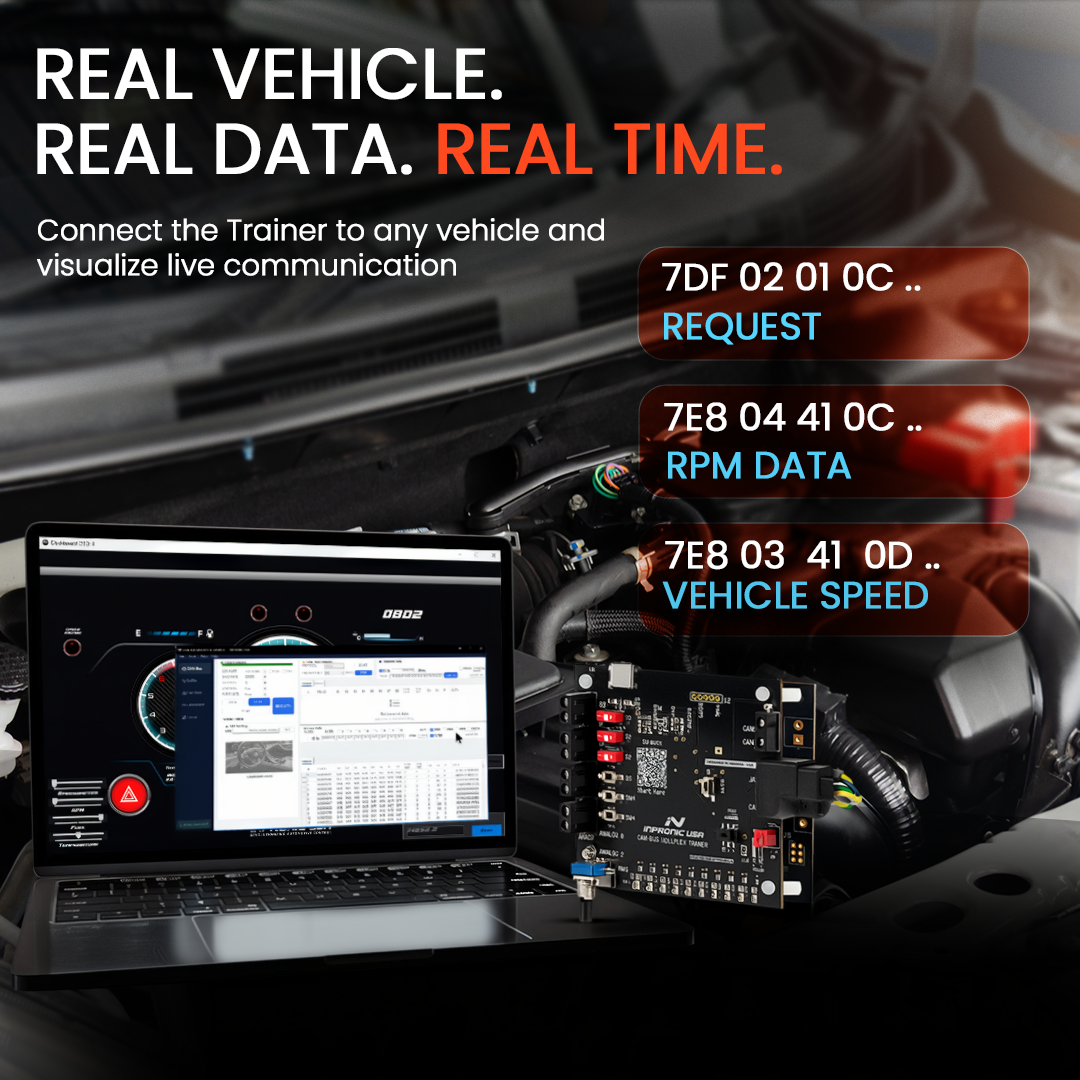
Can it connect to a real vehicle?
Yes. The Trainer can operate in:
- Desktop dual-node simulation mode
- Real vehicle connection mode using OBD-II or J1939 cables
This allows users to analyze live CAN communication directly from a vehicle.
Does the software require a license?
No. The Software PRO Edition is included and does not require subscription fees or license activation.
Does the Trainer simulate real CAN network behavior?
Yes. The dual-board system creates true two-node CAN communication, allowing users to observe arbitration, priority, termination resistance, and real message exchange.