


Modern vehicle diagnostics is no longer only about reading fault codes. Today, technicians need to understand how electronic modules communicate, how data is transmitted, and why a vehicle network may fail even when the engine, dashboard, or scanner appears to be working correctly.
That is especially true when working with OBD-II and J1939 systems.
OBD-II is commonly used in cars, vans, and light-duty vehicles. J1939 is widely used in heavy-duty trucks, buses, agricultural equipment, construction machinery, and industrial engines. Both protocols are built around vehicle data, but they behave differently, transmit information differently, and require different diagnostic thinking.
This is where hands-on training becomes essential.
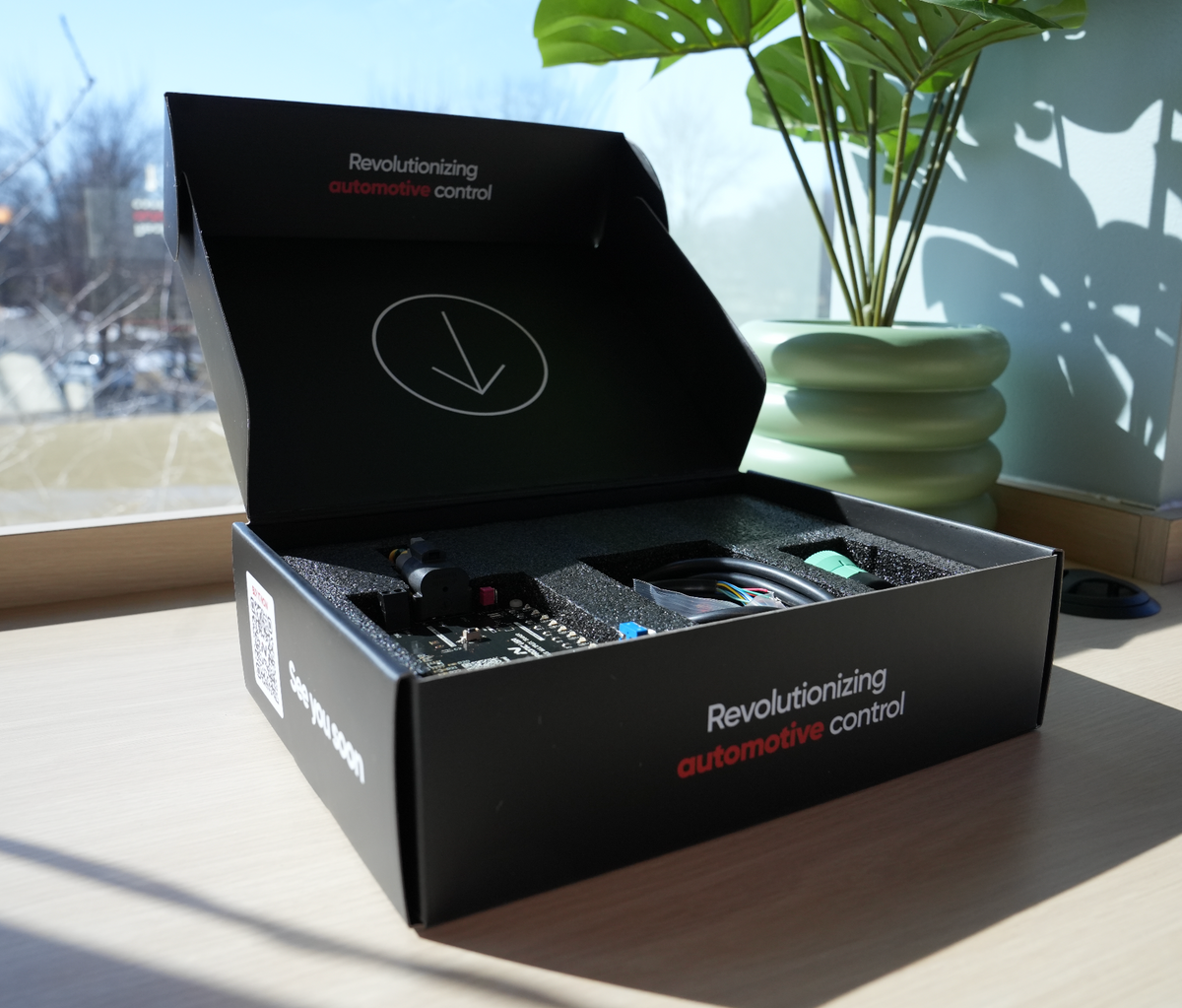
A CAN-BUS trainer allows technicians, students, instructors, and diagnostic teams to generate, observe, transmit, receive, filter, and understand vehicle network messages in a controlled environment. Instead of only reading about CAN-BUS communication, users can see how the network behaves in real time.

Why Vehicle Communication Training Matters
In a traditional diagnostic process, a scan tool may show a code or a missing parameter. But the code does not always explain the root cause.
For example:
- Is the ECU transmitting data?
- Is the scanner requesting the correct information?
- Is the dashboard missing a message?
- Is the network operating at the correct speed?
- Is the problem caused by wiring, termination, baud rate, or message structure?
- Is the vehicle using OBD-II logic or J1939 broadcast communication?
Without understanding the communication behind the fault, technicians may replace parts that are not actually defective.
That is why learning how messages are generated and transmitted is so important. A CAN-BUS Trainer gives users a safe way to study these situations before working on a real vehicle.

What Can a CAN-BUS Trainer Generate?
A CAN-BUS Trainer can generate real network behavior by transmitting CAN frames, simulating ECU communication, and allowing users to interact with data in real time.
Depending on the selected protocol, the Trainer can help users generate and observe:
- OBD-II diagnostic requests
- OBD-II parameter responses
- Simulated live data values
- Diagnostic Trouble Code behavior
- J1939 PGNs
- J1939 SPN-based engine data
- Engine speed values
- Coolant temperature data
- Oil pressure values
- Battery voltage
- Sensor changes
- Broadcast messages
- Custom CAN frames
- Repeated messages at defined time intervals
- Network activity between two simulated nodes
This makes the Trainer useful not only for learning, but also for understanding why a real vehicle may not be communicating correctly.
Simulating Real Network Problems Safely
One of the biggest challenges in training is that real vehicles are not always safe or practical for learning network faults.
You cannot always inject faults into a customer’s truck. You cannot always disconnect network lines, change termination, or simulate missing messages without creating risk.
A Trainer creates a controlled environment where users can study these behaviors safely.
They can observe:
- What happens when messages are transmitted correctly
- What happens when data changes
- What happens when communication speed matters
- What happens when a message is missing
- What happens when the network is not properly configured
- How two CAN nodes exchange messages
- How a dashboard reacts to changing parameters
This turns abstract CAN-BUS theory into practical, visible training.

Reading and Filtering CAN Frames
A major part of understanding vehicle communication is learning how to read raw CAN frames.
A Trainer allows users to observe transmitted and received data, including message IDs, data bytes, timestamps, and direction.
Filtering is especially useful because real networks can contain a large amount of traffic. By filtering specific IDs, PGNs, or message patterns, users can focus on the data that matters.
For example, a technician studying J1939 may want to isolate engine speed messages. A student learning OBD-II may want to observe a specific PID request. An instructor may want to show how a single data byte changes when a simulated sensor value changes.
This helps users connect the visual dashboard to the raw data behind it.

From Dashboard Values to Real Data
Many technicians are comfortable reading a dashboard value. But understanding how that value reaches the dashboard is a deeper skill.
For example:
- RPM is not just a gauge movement.
- Coolant temperature is not just a number.
- Oil pressure is not just a warning light.
- Vehicle speed is not just a display.
Each value depends on a message. That message has an identifier, a structure, and data bytes that must be transmitted correctly.
A CAN-BUS Trainer helps users see the connection between the physical dashboard behavior and the network data behind it.
This is where training becomes practical.

Share:
Understanding Communication Speed: Why 250 kbps and 500 kbps Matter in J1939 Networks
Understanding J1939 Cab Switch Control: Why Modern Engines Need More Than Direct Wiring